


Most international video calls run in English, whether everyone is comfortable with it or not. The native speakers set the pace. The others listen hard, speak less and keep their best ideas to themselves because they don't want to say them badly.
The usual alternative is not much better: one colleague quietly translates for another, and the whole call slows down. That is fine for a quick status update. It does not work for a negotiation, a workshop or a Q&A.
A multilingual video meeting solves this differently. Every participant speaks their own language and hears everyone else in their own language, in real time. This article explains how that works in Interpretwise, what to expect from AI interpretation, and how to run a meeting like this well.
How a multilingual meeting room works
In a typical interpreted call, interpretation is an extra channel. You pick "French" from a menu and hear one interpreter, who translates one main language. Everyone else still has to speak that main language.
In an Interpretwise meeting room, there is no main language. When you join, you choose two things: the language you speak and the language you want to hear. After that:
- Every speaker is interpreted separately. When Adam speaks English, Marie hears French and Tomas hears Lithuanian at the same moment. When Marie answers in French, Adam hears English.
- Everyone hears the whole meeting in their own language. A meeting in four languages is four parallel conversations that stay in sync.
- Subtitles run alongside the voice. You see the text in your listening language, which helps with names, numbers and noisy surroundings.
The interpretation follows the speaker by a few seconds, about as long as a human interpreter needs to hear a full thought. While some listeners are still hearing the translation, the speaker's tile shows Still hearing translation. That way the next person waits a moment instead of talking over the interpretation. It sounds like a small thing, but it is what keeps the conversation polite.
Three ways to listen
Not everyone needs the same thing. Someone with good English may want the original voices and subtitles as a backup. Someone on a train may only want text. Each participant picks their own mode and can change it at any time:
- Voice interpretation. An AI voice in your language, with the original speaker quietly underneath, so you still hear tone, laughter and interruptions. You control the balance.
- Subtitles only. The original audio at full volume, with translated subtitles on screen. Good for people who partly understand the language and want a safety net rather than a replacement.
- Original. No interpretation. Useful when the current speaker uses your own language.
Switching takes one click and does not affect anyone else. You can also change the language you speak during the meeting, which helps bilingual teams that move between languages.
Who it is for
This format fits any meeting where people don't share one strong common language:
- International teams and subsidiaries. A weekly call where the German plant, the Polish office and the Lithuanian headquarters each speak their own language instead of approximate English.
- Clients and suppliers. Sales calls, technical reviews and negotiations where everyone really needs to understand each other.
- Town halls. Management speaks once and every employee hears it in their own language. See our guide on running a multilingual town hall.
- Training and onboarding. The trainer speaks one language, each participant follows in theirs, and questions come back the same way. More in simultaneous interpretation for corporate training.
- Hybrid panels and workshops. Remote speakers take part in a physical event instead of just watching. The venue joins the meeting as one participant through its sound desk, as described in our hybrid event interpretation guide.
- Public bodies and associations. Committees and member meetings with people from several countries, where a browser-based, GDPR-compliant platform is a requirement.
What to expect from AI interpretation
It is worth telling participants up front how AI interpretation differs from a human interpreter. They will notice the difference within a minute anyway, and the meeting goes much better if nobody is surprised.
Where AI is strong. Clear, factual speech: status updates, presentations, technical discussions, questions and answers. Terms stay consistent, names and numbers come through, and the AI does not get tired in the third hour. It covers more than 80 languages, including combinations like Lithuanian and Japanese that would be almost impossible to staff with human interpreters at short notice.
Where you need to help it. People talking over each other, heavy idioms, sarcasm and jokes. The AI translates what was said, not what was meant. A human interpreter will tidy up a rambling sentence; the AI will translate the ramble as it is. For diplomacy, legal proceedings or medical consent, human interpretation is still the better choice. In Interpretwise you can add a human interpreter for specific languages and let AI cover the rest.
You choose the voice quality. Standard voices are clear and accurate but flatter. Premium voices sound like a natural speaker, with intonation and pauses. Standard is fine for internal work meetings; for client meetings, premium is worth it.
How people speak matters more than the software. One person at a time, complete sentences, a short pause before the next speaker. These are the same rules that make any interpreted meeting work, and our speaker's guide for multilingual events applies here word for word.
Setting up a meeting: what the host decides
The host makes a few decisions when creating the meeting, and after that the room runs itself.
- Languages. Choose the languages the meeting will use. Participants pick from this list when they join. Each extra language costs more, so choose the ones people will really need.
- Admission. Anyone with the link, or invited people only, with a waiting room. For meetings with external guests, use the waiting room.
- Duration. The meeting is charged per minute, and the planned duration is reserved from the company balance. The planned time is not a hard stop: the meeting keeps going as long as there is credit, and a few minutes before it runs out the host sees a countdown and can top up without leaving the room.
- Listen-only attendees. At a town hall or a briefing, most people don't need a camera or microphone. Listener seats let a bigger audience follow in their own language without crowding the meeting.
- Recording. Optional for each meeting. Afterwards you get the recording, a full transcript you can download as a PDF, and an AI summary.
The host sees the full cost before confirming, on the same screen, so there are no surprise invoices. Current rates are on the pricing page, and our conference interpretation cost breakdown compares meeting rooms with live events.
Joining: what participants see
Participants don't need an account, an app or a briefing. Joining works like this:
- Open the link in any modern browser, on a laptop or a phone.
- Choose your microphone and camera and confirm the language you speak. The room suggests one based on your browser or your last choice.
- Choose how you want to listen: voice interpretation, subtitles only or the original.
- Join. You can see who is in the meeting and what each person hears, so nobody has to wonder whether their French is reaching the Spanish colleague.
The host has the usual controls: mute one person or everyone, ask someone to unmute, lock the meeting, remove a participant, and change someone's languages if they picked the wrong ones. Chat and reactions work for everyone, whatever their language.
Reliability: sound comes first
A multilingual meeting breaks in a different way from an ordinary one. If the video freezes, people cope. If the interpretation drops for ten seconds, half the room loses the thread without realising it.
That is why Interpretwise treats interpreted audio and subtitles as the part that must never stop, and video as the part that can give way. On a weak connection, video quality drops first, then less important videos pause, and in the worst case only audio and subtitles remain. Someone on a poor mobile connection still follows the meeting; they just see fewer faces. More on the technical side in our audio setup guide and RSI platform security checklist.
What it costs
Meeting rooms are priced per hour and charged per started minute. The first language is included in the base rate, and each additional language is added on top. A two-language meeting costs less than a single human interpreter's minimum booking. The exact numbers, and a calculator for your own setup, are on the pricing page.
Compare that with the traditional way: two interpreters per language, half-day minimums, plus a technician and a booth or a remote interpreting platform. For an occasional high-stakes meeting, that investment makes sense. For the regular weekly call with three subsidiaries, it never did, which is why those calls ended up in broken English.
Hear it before you book
The quickest way to judge AI interpretation is to listen to it on real speech. Our examples page has recordings of real interpreted sessions: pick a language, press play and watch the subtitles appear, with the original audio available for comparison. Nothing was corrected afterwards.
When you want to try it in your own meeting, contact us. We will set up a room with your languages, join the first call with you and help your team find its rhythm.
Frequently asked questions
Do participants need to install anything?
No. Meetings run in the browser on computers and phones. Guests join by link without creating an account.
How many languages can one meeting have?
As many as the host chooses from the more than 80 supported languages. Each participant hears the meeting in their own language, so the number of languages does not change anyone's experience.
Can I switch languages during the meeting?
Yes. You can change both the language you speak and the language you hear. A new listening language starts straight away; a new speaking language takes effect at the end of your current sentence, so nothing gets cut off.
Can I add a human interpreter for one language?
Yes. A human interpreter can cover specific languages from a browser-based console while AI handles the rest. This is the usual setup when one language pair carries legal or commercial weight.
Is the meeting recorded?
Only if the host turns recording on. Participants are told when they join. Afterwards the host gets the recording, the transcript and an AI summary.
What happens if the meeting runs over time?
Nothing stops at the planned end time: the meeting continues as long as the company has credit. A few minutes before the credit runs out, the host sees a countdown and can top up the balance without ending the meeting.
Related Articles
AI vs Human Interpretation: Which Is Right for Your Event?
Conference Interpretation Cost: A Complete 2026 Pricing Breakdown
Hybrid Event Interpretation: A Complete Technical & Logistics Guide
Zoom Interpretation: How to Go Beyond Zoom's Basic Feature
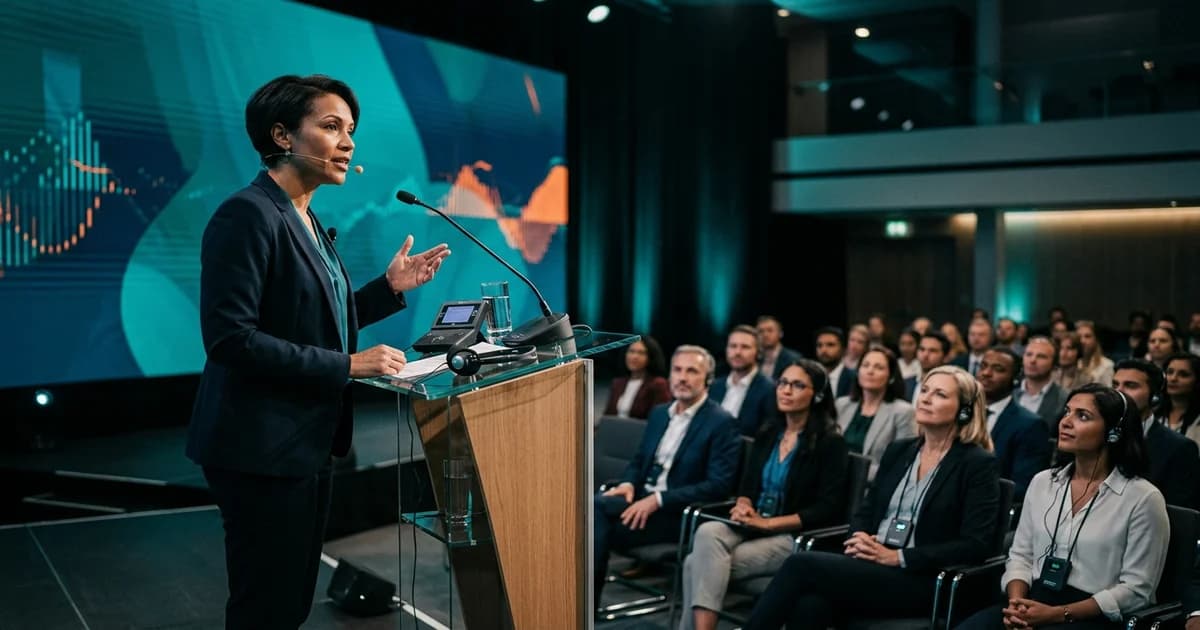
Speaker's Guide: How to Present at a Multilingual Event
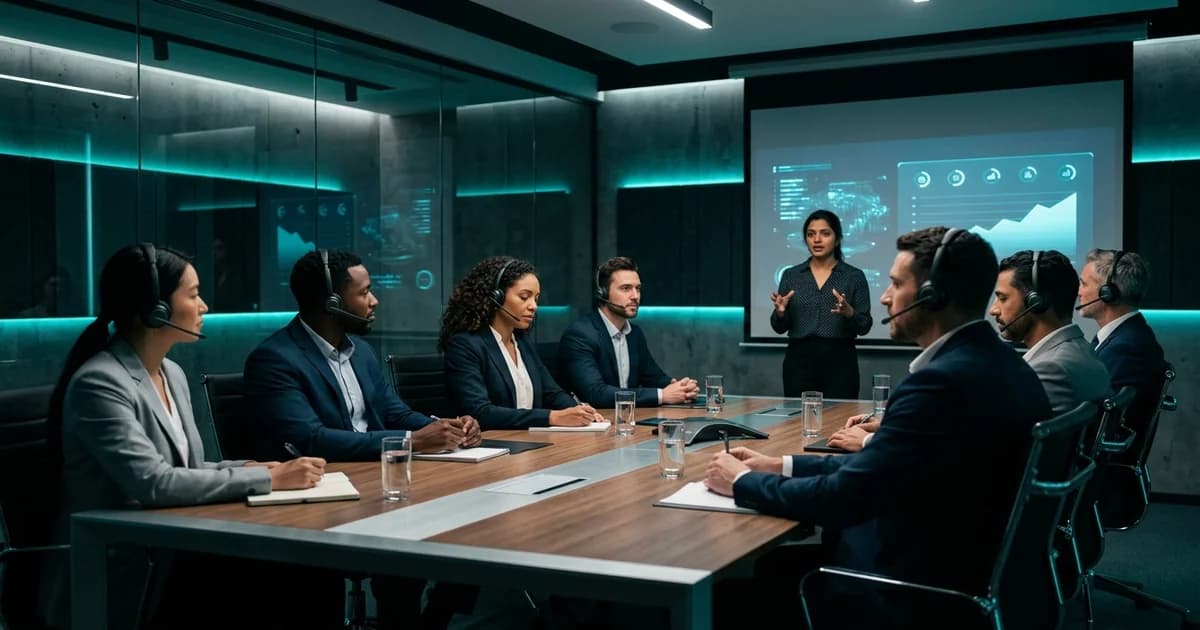
Scaling Globally: A Guide to Simultaneous Interpretation for Corporate Training
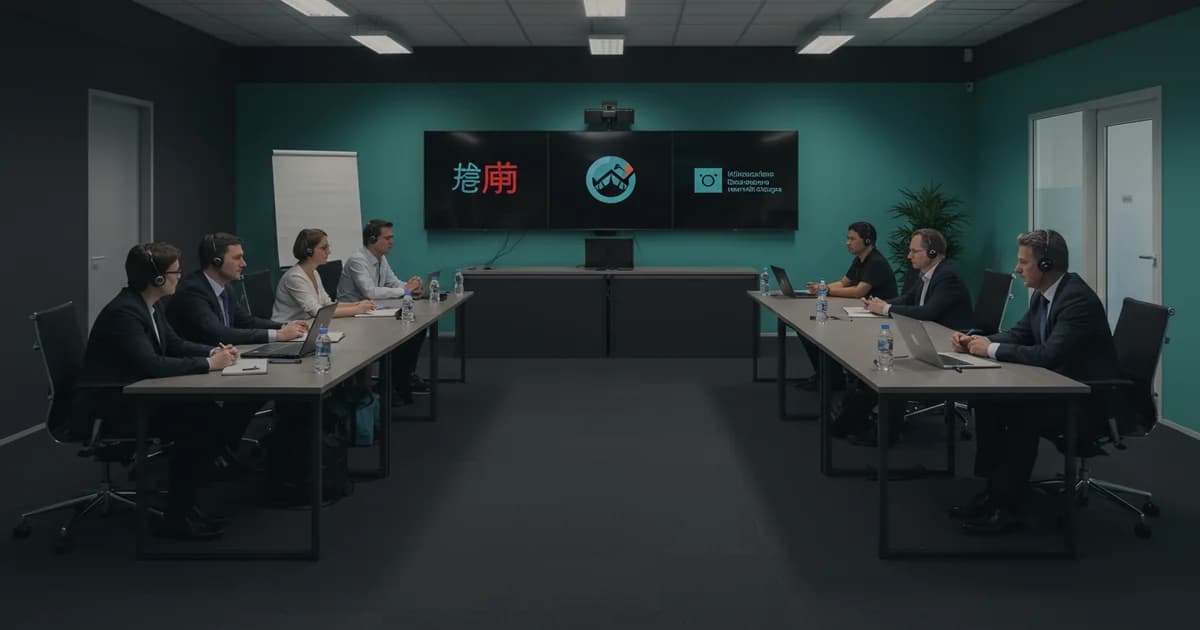
Beyond the Basics: How to Run a Truly Inclusive Multilingual Town Hall