

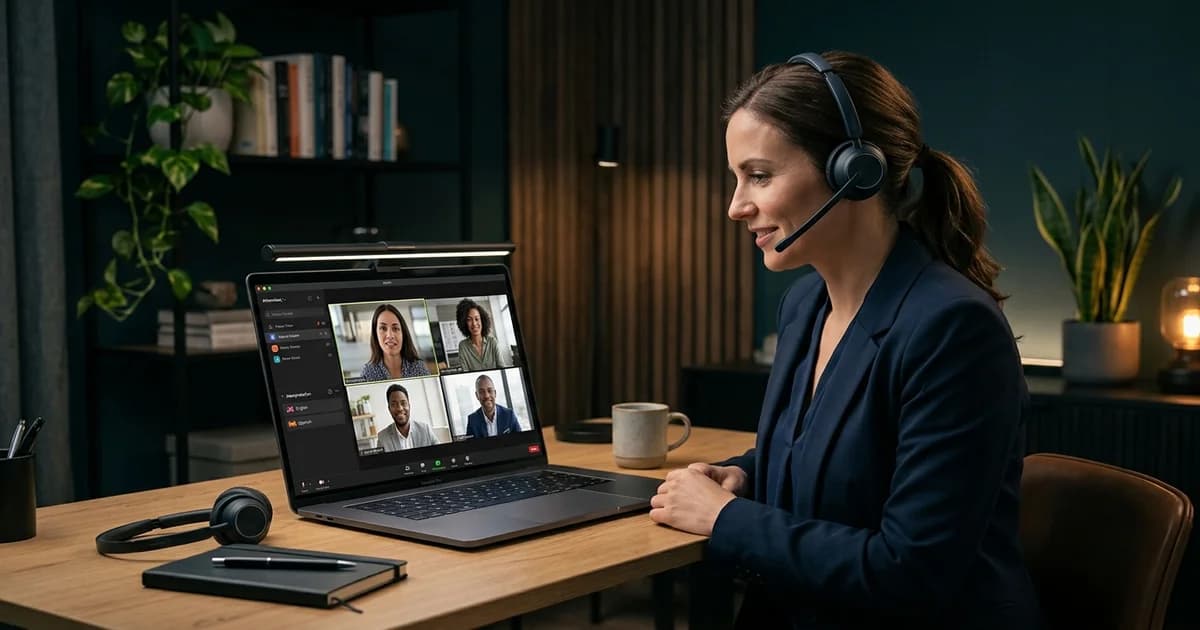
You've got a global audience ready for your next big Zoom event. The only problem? They don't all speak the same language.
You know that hosting a truly international event means providing live language interpretation. So, you look into Zoom's built-in interpretation feature. It seems promising. But as you dig in, you start to notice the trade-offs. The language limits, the clunky experience for attendees, the lack of professional oversight.
It's a good start. But for a high-stakes corporate meeting or a large-scale conference, it's often not enough.
This isn't just about ticking a box for "multilingual support." It's about creating an experience where every single participant, from a keynote speaker in Berlin to an attendee in Tokyo, feels included and can engage fully. That's where dedicated platforms that integrate with Zoom come in. They're built to handle the complexities that Zoom's native feature just wasn't designed for.
How Zoom's Built-In Interpretation Works (And Its Limits)
Zoom's native language interpretation feature allows a host to designate specific participants as interpreters. Once the host starts the interpretation session, these interpreters can broadcast their translation on a separate audio channel. Attendees then select their preferred language channel to listen in.
For this to work, you need a paid Zoom account—specifically, a Business, Education, or Enterprise plan, or a Pro account with the Webinar add-on. The host enables the feature in their advanced settings, pre-assigns interpreters before the meeting, and then manually starts the interpretation session once the event is live.
It works. But there are significant limitations for professional events:
- Limited Languages: Zoom's native feature allows the host to designate up to 20 participants as interpreters. While you can theoretically add more custom languages by contacting Zoom support, it's not a flexible, on-the-fly solution.
- No Breakout Room Support: This is a big one. Zoom's interpretation feature does not work in breakout rooms. If you need smaller, multilingual group discussions, the native feature won't support it. You have to turn off interpretation for everyone to use breakout rooms.
- Requires App Download: Every attendee who wants to listen to an interpretation channel must have the Zoom desktop client or mobile app installed. There's no browser-based option for listening, which can be a major hurdle for attendees who can't or don't want to install software.
- No Professional Tools for Interpreters: Professional interpreters are used to working with dedicated hardware or software "consoles" that allow for smooth handovers with their booth partner, relay interpretation (interpreting from another interpretation, not the source), and technical support. Zoom offers none of this; interpreters just get a basic audio channel, which can impact quality and create a stressful working environment.
- Basic Attendee Experience: Attendees can select a language and mute the original audio. That's it. They can't adjust the volume mix, and the user experience hasn't changed much in years.
And honestly, that's the biggest issue. Zoom's feature was built as a functional add-on, not as a core professional interpretation product. It gets the basic job done for internal meetings, but it lacks the robustness, scalability, and professional polish needed for major events.
What InterpretWise Adds to Zoom Interpretation
Instead of relying on Zoom's limited, built-in tool, you can connect Zoom to a dedicated Remote Simultaneous Interpretation (RSI) platform like InterpretWise. This approach uses Zoom for what it's good at—video conferencing—while offloading the complex task of interpretation to a specialized tool.
You get the reliability of Zoom's video, plus the advanced features of a professional interpretation platform.
Here’s how InterpretWise enhances the standard Zoom interpretation experience:
| Feature | Standard Zoom Interpretation | InterpretWise + Zoom |
|---|---|---|
| Attendee Access | App download required | QR code scan; works in any browser, no app needed |
| Language Capacity | Up to 20 assigned interpreters | 20+ languages simultaneously |
| Setup Time | Host must pre-configure interpreters | 15-30 minutes, no complex pre-assignment in Zoom |
| Hardware | Interpreters use their own mics/headsets | No booths or special hardware needed |
| Hybrid Model | Human interpreters only | AI + professional human interpreters |
| Subtitles | Basic automated captions | Live, multilingual subtitles and captions included |
| Breakout Rooms | Not supported | Supported via separate browser-based access |
| Branding | Standard Zoom interface | White-label option available for a branded experience |
The biggest difference is the experience for your attendees. Instead of telling them to download an app and find the tiny globe icon, you just show a QR code. They scan it with their phone and start listening in their preferred language, instantly. It's simple, and it just works.
This is the key for conference organisers. You remove friction for your audience and make it effortless to participate. If you need to scale your Zoom events for a global audience, you can connect InterpretWise to Zoom and bypass these limitations entirely.
Step-by-Step: Adding Professional Interpretation to Zoom
You might think that adding a third-party platform sounds complicated. It's not. The entire process is designed to be handled by an event manager, not an AV technician.
Here's the typical workflow:
- Schedule Your Meeting in Zoom: First, just create your Zoom meeting or webinar as you always do. You don't need to enable the native interpretation feature in Zoom's settings at all.
- Set Up Your Event in InterpretWise: In your InterpretWise dashboard, you'll create a new event. You'll specify the source language and the target languages you need. This is also where you'll book your professional interpreters or opt for an AI-powered solution.
- Link Zoom to InterpretWise: You'll simply feed the audio and video from your main Zoom session into InterpretWise. This is done virtually—no cables, no complicated routing. Your project manager will typically handle this small technical step for you.
- Share the Access Link or QR Code: InterpretWise generates a unique QR code and a simple web link for your event. You can paste this link in the Zoom chat, display the QR code on a slide, or send it in an email.
- Attendees Listen on Their Devices: Participants scan the code or click the link and immediately access a simple, browser-based listening page. They select their language and can listen to the live interpretation on their smartphone or in another browser tab.
That's it. The setup takes about 30-45 minutes, a world away from the 4-8 hours it can take to set up traditional interpretation booths and hardware.
Managing Language Channels in Zoom
If you stick with Zoom's native feature, managing language channels falls entirely on the host. You have to manually assign each interpreter to their language before or during the meeting. If an interpreter drops off or needs to be replaced, the host has to quickly manage that change live, which can be stressful during a major event.
Furthermore, a co-host cannot manage interpretation channels; only the main host has control. This creates a single point of failure.
Using a platform like InterpretWise moves channel management off of Zoom. The platform provides a dedicated interface for interpreters and a project manager who can oversee the event. This means:
- Interpreter Handovers: Interpreters can easily switch with their partners without any intervention from the event host.
- Relay Interpretation: A Spanish interpreter can listen to the English interpretation of a German speaker, a critical function for events with many languages that Zoom doesn't natively support well.
- Dedicated Support: If an interpreter has an audio issue, a dedicated support technician can help them directly without derailing the main event.
This separation of duties is crucial for professionalism and quality. It lets the event host focus on running the event, not on troubleshooting audio channels.
Best Practices for Zoom Multilingual Meetings
Regardless of the technology you use, a successful multilingual meeting requires good planning.
Brief Your Interpreters: Always share materials like presentations, speaker bios, and agendas with your interpreters in advance. The more context they have, the more accurate their interpretation will be.
Do a Tech Check: Before the event, do a quick run-through with the speakers and interpreters to test audio and video. Ensure everyone is using a quality external microphone—laptop mics often don't cut it.
Coach Your Speakers: Remind presenters to speak clearly and at a moderate pace. Pausing briefly between complex ideas gives interpreters the time they need to deliver a high-quality translation.
Inform Your Audience: At the beginning of the meeting, take 30 seconds to explain how to access the interpretation channels. A simple slide with instructions and the QR code is perfect for this.
The market for interpretation services is growing fast, expected to reach over $100 billion by 2035. This growth is driven by the global shift to remote and hybrid events. By following these best practices, you ensure your events meet the professional standard that global audiences now expect. And with new regulations like the European Accessibility Act (EAA) mandating things like live captions for digital events, providing accessible, multilingual content is becoming a legal necessity, not just a nice-to-have.
Ready to offer a truly professional Zoom interpretation experience? Connect InterpretWise to Zoom to get started.
Frequently Asked Questions (FAQs)
How much does Zoom interpretation cost?
Zoom's built-in interpretation feature requires a Business, Education, or Enterprise account, or a Pro account with a Webinar add-on, which has its own monthly fees. The cost of the interpreters themselves can range from $100 to over $300 per hour for human interpreters, while AI solutions are often cheaper. Platforms like InterpretWise offer custom pricing that is significantly more affordable than traditional interpretation hardware and enterprise RSI platforms.
Can you use Zoom interpretation in breakout rooms?
No, Zoom's native language interpretation feature does not function inside breakout rooms. If you activate breakout rooms, the interpretation in the main session is disconnected for those users. Third-party platforms like InterpretWise provide a workaround by giving attendees browser-based access that works independently of Zoom's breakout room feature.
What's the difference between Zoom interpretation and a third-party RSI platform?
Zoom provides a basic, built-in feature for creating language channels inside a meeting. A third-party RSI (Remote Simultaneous Interpretation) platform like InterpretWise is a specialized solution that integrates with Zoom to offer more languages, professional tools for interpreters, QR code access for attendees (no app needed), live subtitles, and dedicated technical support.
Can a co-host manage Zoom interpretation?
No, only the designated host of the Zoom meeting can start, manage, and end the language interpretation session. Co-hosts do not have access to the interpretation controls, which can create a bottleneck for the event host.
How do I record the interpretation audio in Zoom?
If you use Zoom's built-in feature, a cloud recording will only capture the original meeting audio, not the interpretation channels. A local recording will capture whichever audio the person recording is listening to. Platforms like InterpretWise offer options to record all language channels separately, giving you clean audio files for each language after the event.
Related Articles
What Is Remote Simultaneous Interpretation (RSI)? The 2026 Guide
Simultaneous Interpretation for Webinars: Everything You Need to Know

Scaling Globally: A Guide to Simultaneous Interpretation for Corporate Training
Beyond the Basics: How to Run a Truly Inclusive Multilingual Town Hall

Engage Everyone: A Practical Guide to Managing Multilingual Q&A Sessions

How to Integrate Browser-Based Interpretation Into Your Event Tech Stack