

Remote listeners
Anyone can open the event's listen link from anywhere and get interpreted audio plus live captions in their language. For large one-way audiences this is the lightest, most reliable option.
Live-streamed events
Your production team keeps its existing video chain and player. Interpretwise adds the languages around it:
- Audio for every viewer - Remote viewers open the listen page alongside the stream for interpreted audio in their language.
- Captions in the picture - Captions are burned into the programme feed via the OBS/vMix overlay browser source, or shown as a lower third per language.
- Per-language streams - The routing console returns each language as a discrete audio output that your encoder can pick up - one stream per language.
The division of labour is deliberate: your production team owns the picture, Interpretwise owns the languages. When remote viewers should also see the speakers inside Interpretwise itself, use an interactive hybrid room - it carries live video natively.
Interactive hybrid rooms
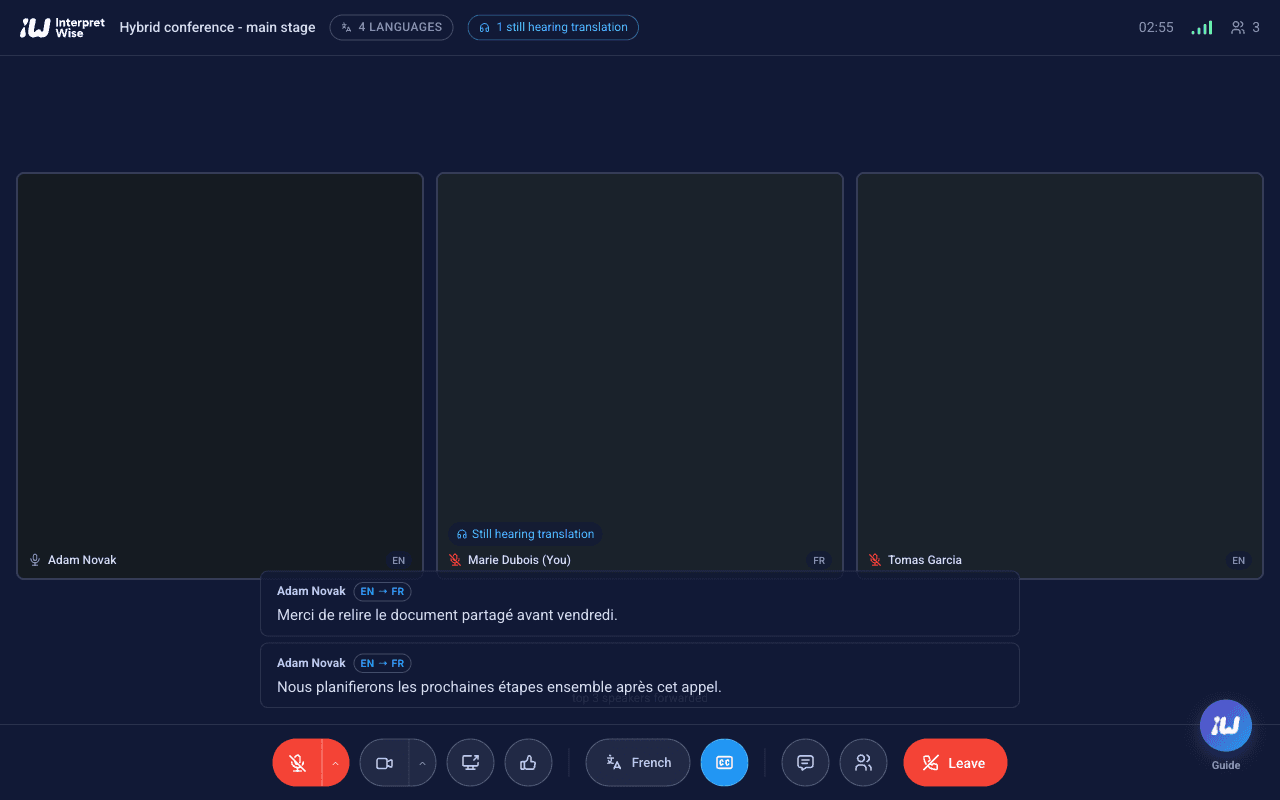
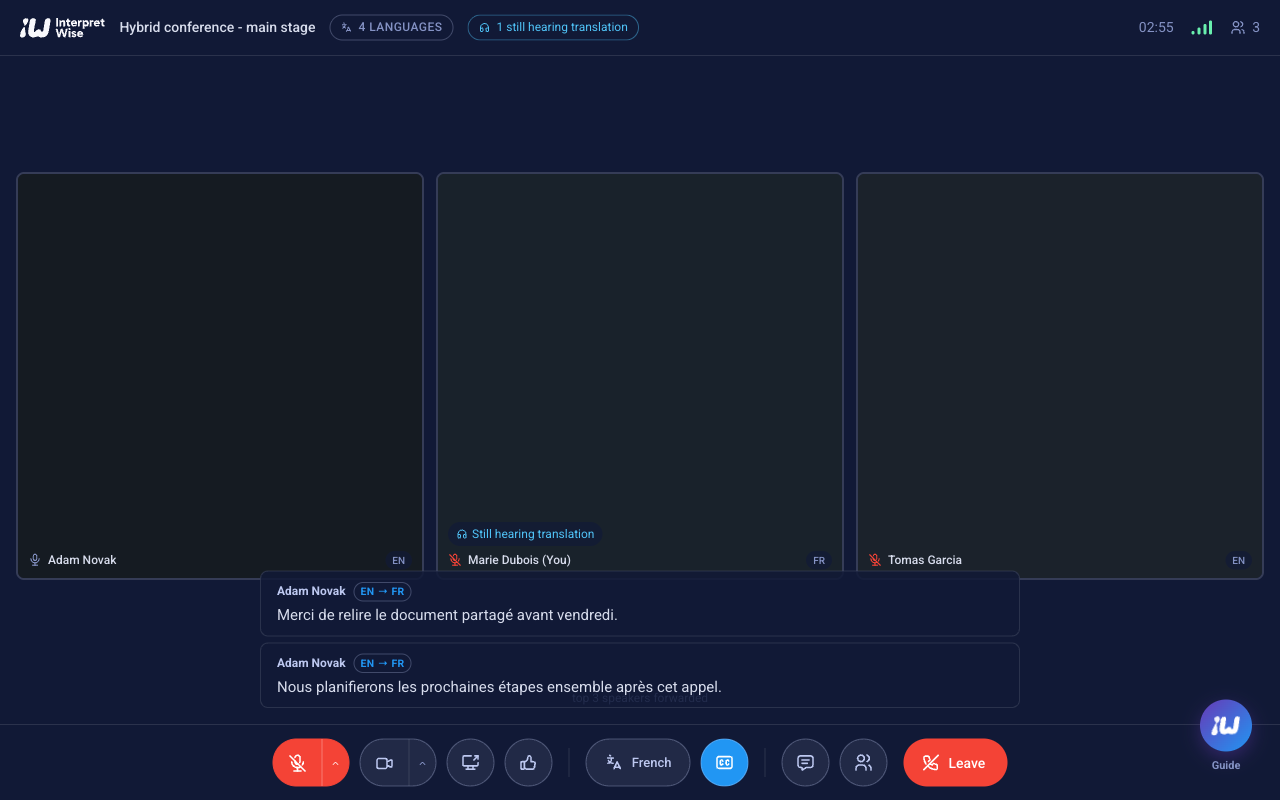
For events where remote people also speak - panels, Q&A, workshops - Interpretwise includes multilingual video meeting rooms: up to 50 on-camera participants plus listen-only attendees, with speaker video, screen sharing and live interpretation per participant. Everyone picks the language they speak and the language they listen in; each person hears everyone else interpreted into their own language, with the original voice kept audible underneath.
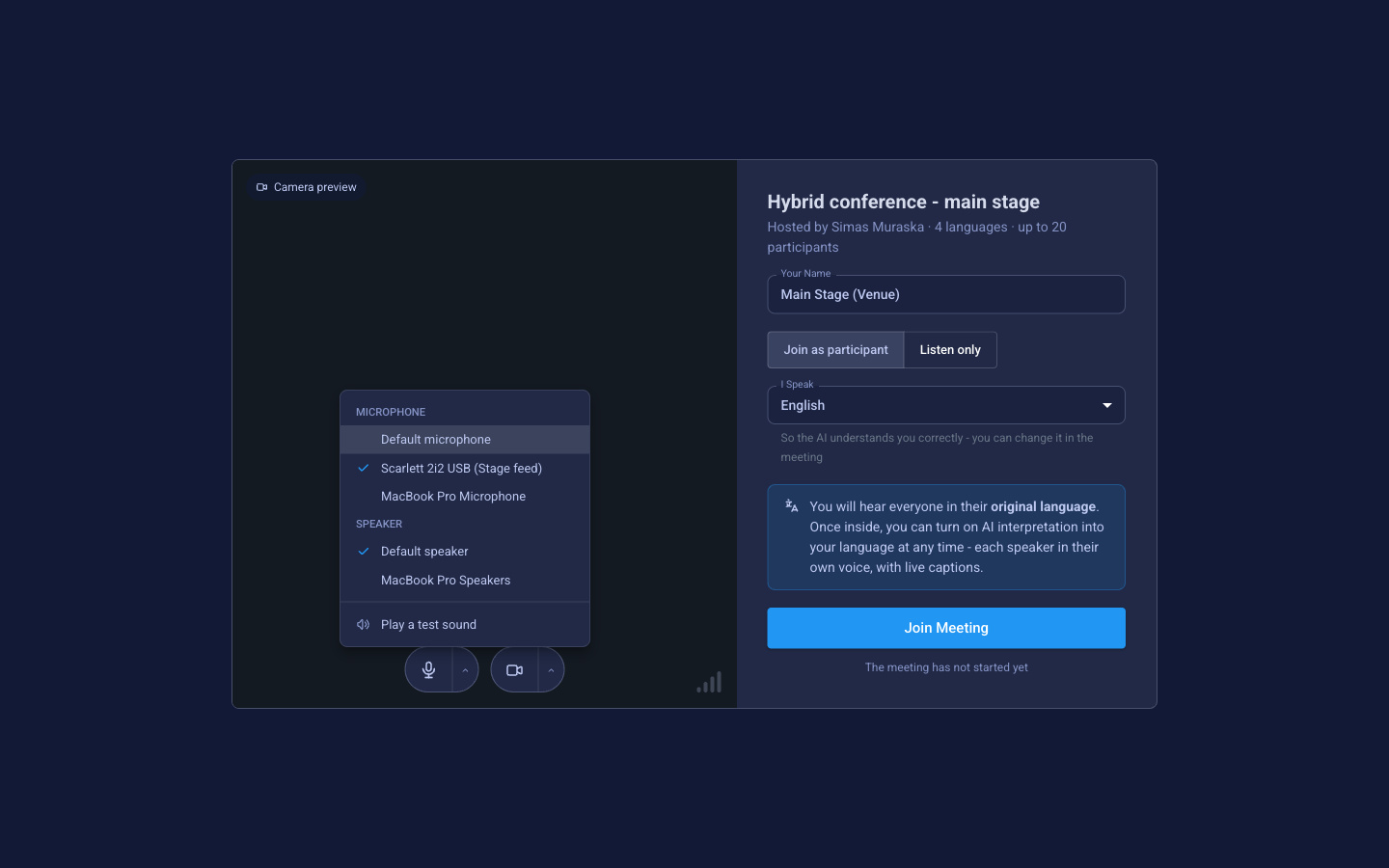
The key pattern for a hybrid stage: the venue itself joins the room as one participant. A laptop at front-of-house connects like any other user - except its microphone is the USB audio interface carrying the stage mix, and its output feeds the PA. On-stage speakers need no computers and no change to how they work:
- 1
Create the room
Pick the meeting languages, set admission (anyone with the link, or invited-only with a waiting room), choose the duration and enable listen-only attendees. The full cost is shown and reserved before you confirm.
- 2
Connect the stage
On the FOH laptop, open the meeting link, select the USB audio interface as the microphone and set the speaking language to the stage language. Once inside, pick the listening language the room should hear back.
- 3
Close the loop to the PA
Route the laptop's output back to the sound console on a mix-minus (N-1) bus, so the room hears remote speakers - already interpreted - without the stage feed looping back on itself.
- 4
Remote panellists join by link
From anywhere, each choosing their own speaking and listening language. Browser only, no installs, no accounts for guests.
- 5
The audience follows along
Larger remote audiences join as listen-only attendees; the in-room audience uses the phones-and-QR flow for any language other than the one on the PA.
Remote interpreters
Professional interpreters work from anywhere through a browser-based interpreter console: they hear the floor, see the stage camera and deliver into their language channel - with booth-partner handover and relay. Access is protected by a per-event code.