

The signal chain
One clean feed from front-of-house into the broadcast console; the cloud pipeline fans out to phones, remote viewers, caption overlays, venue returns and recordings. The camera path is optional and feeds remote human interpreters.
What you need on site
| Item | Requirement |
|---|---|
| Operator laptop | Any recent laptop running Chrome. For multichannel output routing (Dante, discrete per-language outputs), a Mac running Interpretwise Console, free on the Mac App Store. |
| Audio in | One stereo line-level feed from the FOH console (aux or matrix out) into a standard USB audio interface. Dante feeds work via Dante Virtual Soundcard at 48 kHz. |
| Video in (optional) | Any webcam or HDMI/SDI-to-USB capture device (UVC). Used to give remote human interpreters a stage view. |
| Audience devices | Any modern phone or laptop browser. No installation. |
| Screens / stream | For on-screen captions: a browser source in OBS or vMix, or any full-screen browser on the projection machine. |
Captions for screens and streams
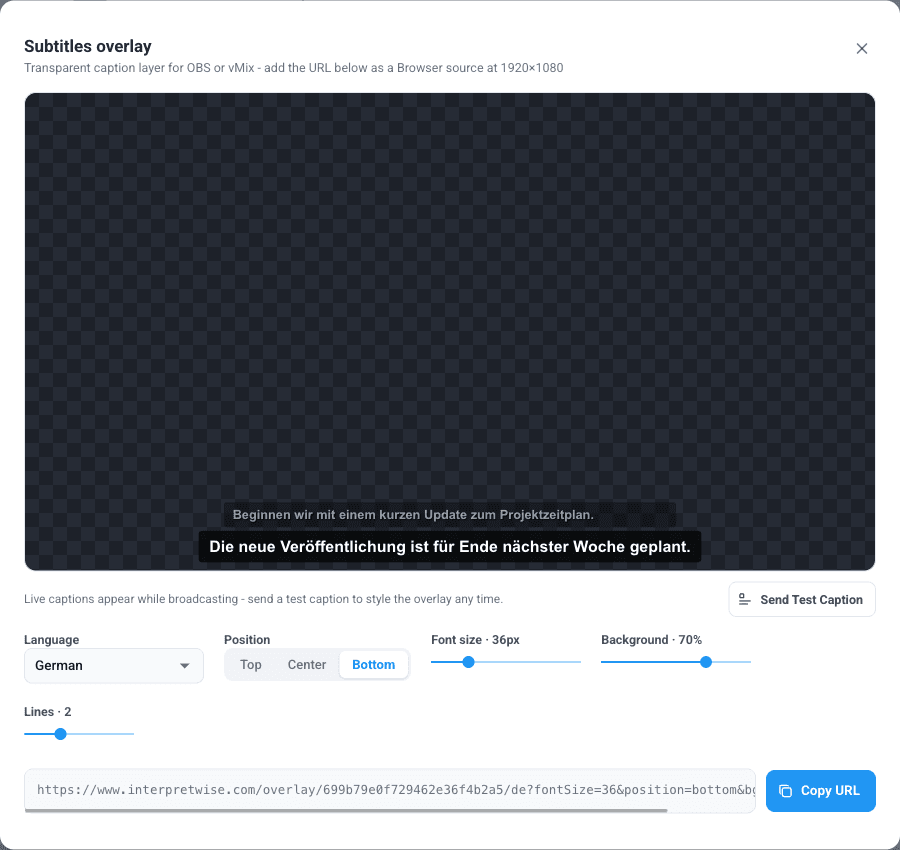
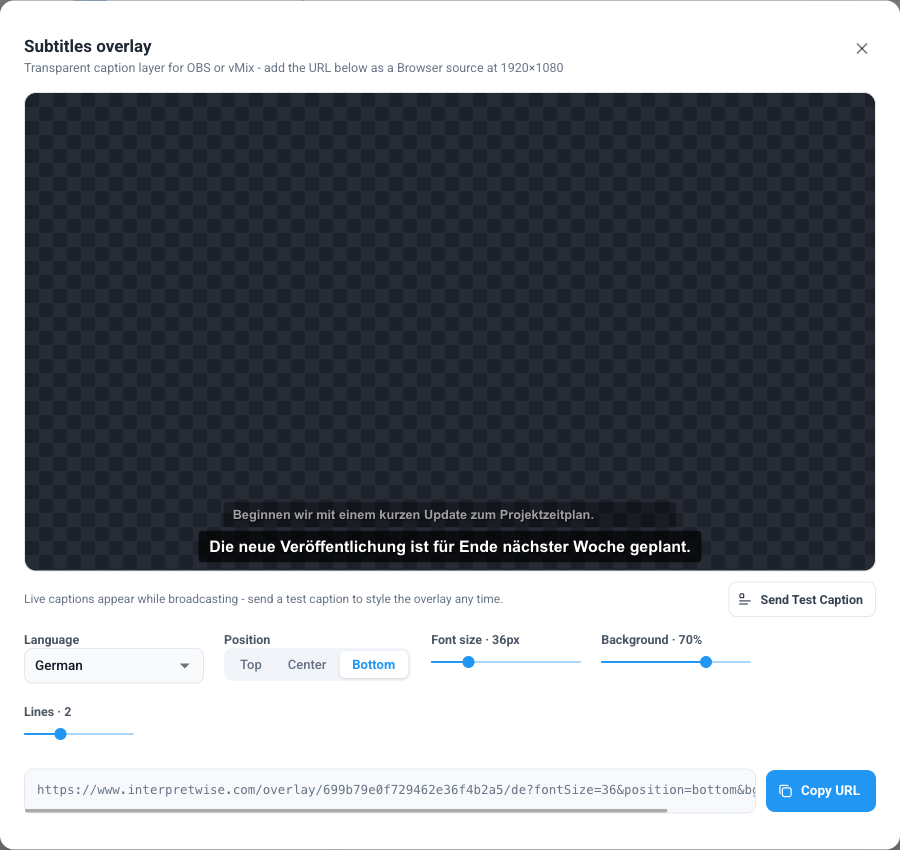
A dedicated transparent caption overlay page (original language or any translation) is designed as a browser source at 1920x1080. Font size, position, background opacity and line count are configurable per screen, with a live preview and a test-caption button in the console.
Multichannel and Dante
The multichannel routing console outputs each language on its own physical output channel - line-level or Dante at 48 kHz - so FM/IR transmitter systems, per-language encoder inputs and console returns are all one cable away. It runs in Interpretwise Console for Mac, a free app on the Mac App Store that also takes the floor feed from any input channel of a multichannel or Dante interface.
Routing is additive: sending a language to a physical output does not remove it from phones or remote listeners.
Recording
Optionally record the original floor and any interpreted language server-side. Each becomes a separate MP3 with matching transcripts and per-language translations, downloadable after the session - independent of any single laptop's connection.