


You've done all the work. You’ve created a killer presentation, secured expert speakers, and promoted your webinar to a global audience. But when the day comes, a huge portion of your audience can't engage. Why? Because they don't speak the language. A single-language webinar instantly limits your reach.
That's a massive missed opportunity.
What if you could have your message understood in 20+ languages, all at the same time? It's not a future dream. It’s possible right now with simultaneous interpretation for webinars.
But let's be honest, the thought of adding live interpretation probably brings up images of complex tech, expensive hardware, and logistical nightmares. It doesn't have to be that way. Modern remote simultaneous interpretation (RSI) platforms have made it easier and more affordable than ever to host truly multilingual online events. This guide will walk you through everything you need to know.
Why Webinars Need Simultaneous Interpretation
It’s about more than just translation. It's about genuine connection and engagement. When attendees can listen and participate in their native language, everything changes.
Here’s why it matters:
- Dramatically Expand Your Reach: Stop limiting your audience to English speakers. By offering multiple languages, you can tap into new markets and attract a global audience that your competitors can't.
- Boost Engagement and Comprehension: People understand complex topics better in their own language. When they can listen effortlessly, they're more likely to stay focused, ask questions, and remember your content.
- Increase Accessibility and Inclusivity: Providing interpretation and live captions makes your content accessible to a wider audience, including those who are deaf or hard of hearing. It's also a key requirement for regulations like the European Accessibility Act (EAA), which mandates that digital services, including webinars, be accessible.
- Improve Your ROI: A larger, more engaged audience means a better return on your investment. More attendees lead to more leads, more customers, and a stronger global brand presence. The global market for interpreting services is projected to grow significantly, reaching over $100 billion by 2035, driven by the rise of virtual and hybrid events.
AI vs. Human Interpretation for Webinars
When you start looking at webinar interpretation, you'll see two main options: fully automated AI solutions and traditional human interpreters. Each has its place, but they offer very different experiences.
AI-Only Interpretation uses speech recognition and machine translation to generate audio and captions in real time.
- Pros: It’s fast to set up and generally the cheapest option. It can support dozens of languages instantly.
- Cons: AI can struggle with nuance, idioms, cultural context, and fast or accented speech. For a high-stakes webinar, a single mistranslation of a key term can cause major confusion.
Human-Only Interpretation connects professional interpreters to your event remotely.
- Pros: You get the highest level of accuracy, nuance, and quality. Professional interpreters are experts in both the language and the subject matter.
- Cons: It's the most expensive option. It requires booking interpreters in advance and more coordination.
So, what's the alternative?
A hybrid model is often the best fit. InterpretWise was designed for this exact need. We combine the efficiency of AI with the critical oversight of human professionals. Our platform uses AI for initial transcription and translation, which is then monitored and, if needed, instantly corrected by human interpreters. You get the speed and scale of AI with a human safety net for accuracy.
Plus, you can get it all set up in under 30 minutes. If you want to Try Webinar Interpretation without the complexity of traditional systems, this is the way to go.
How to Set Up Interpretation for a Zoom or Teams Webinar
You might think that adding live interpretation to your favorite webinar platform is a huge technical challenge. It isn't.
Forget the old way. No more booking AV crews, shipping soundproof booths, or spending 8 hours on hardware setup.
Modern RSI platforms like InterpretWise integrate directly with the tools you already use. This includes Zoom, Microsoft Teams, Google Meet, Webex, and even YouTube Live. The setup is entirely software-based.
Here’s the simple process:
- Link Your Event: You connect your webinar (like a Zoom or Teams meeting) to the interpretation platform.
- Invite Interpreters: Assign your chosen languages to our professional interpreters, who log in remotely.
- Go Live: That's it. You're ready. The whole process takes about 15-30 minutes.
How do attendees access it? This is another key difference. While some platforms require attendees to download a separate app, InterpretWise uses a simple QR code or a link. Attendees scan the code with their phone, open a web page, and select their language. No app download is needed. They can listen to the live interpreted audio on their phone while watching the presentation on their computer. It's that easy.
A Quick Comparison
| Feature | Traditional Hardware | InterpretWise |
|---|---|---|
| Setup Time | 4–8 hours | 15–30 minutes |
| Hardware | Booths, consoles, transmitters | None (software only) |
| Attendee Access | Physical headset receivers | QR code on their own phone |
| Platform Integration | Complex AV connections | Direct software integration |
| Location | On-site only | Global (remote interpreters) |
Managing 20–500+ Participant Webinars
Scalability is a huge concern for event organizers. You might have a 20-person internal training one week and a 500-person public webinar the next. Your interpretation solution needs to handle both without a fuss.
This is where cloud-based RSI platforms shine. Because there's no physical hardware to set up, the number of participants doesn't really change the technical process.
- For Small Webinars (20-100 participants): The setup is quick and cost-effective. You can provide interpretation for a small international team meeting just as easily as for a large conference.
- For Large Webinars (100-5,000+ participants): A platform like InterpretWise scales effortlessly. The cloud-based infrastructure can serve thousands of users per language simultaneously without impacting performance. The QR code system makes it simple to onboard a large audience quickly without them needing to download an app or ask for technical support.
Whether your audience is big or small, you also get live subtitles and captions included. This further boosts accessibility and gives attendees another way to follow along.
Best Practices for Multilingual Webinars
Running a multilingual webinar is straightforward, but a few best practices will ensure a smooth experience for your speakers, interpreters, and audience.
- Brief Your Interpreters. At least a day before the event, provide your interpreters with the presentation slides, a glossary of technical terms or acronyms, and a basic agenda. The more context they have, the better their interpretation will be.
- Do a Tech Check. Before going live, do a quick audio check with your speakers and interpreters. Ensure everyone has a good microphone and a stable internet connection. A headset is always better than a laptop microphone.
- Coach Your Speakers. Advise speakers to talk at a clear, steady pace. Ask them to avoid speaking too quickly or using very complex idioms that don't translate well. Pausing for a brief moment between key topics can also help interpreters keep up.
- Announce the Interpretation at the Start. Begin your webinar by explaining how attendees can access the interpretation. Show the QR code or link on a slide and give clear, simple instructions in the main language.
- Promote Your Multilingual Options. Don't make it a secret! Mention the available languages in your webinar promotions and registration page. This can significantly increase your sign-up rate from non-native English speakers.
Thinking about making your next online event multilingual? You can Try Webinar Interpretation with InterpretWise to see how simple and effective it can be.
Frequently Asked Questions (FAQ)
How much does simultaneous interpretation for webinars cost?
Costs vary widely. AI-only services can start as low as $60-$90 per hour, while hiring a pair of professional human interpreters can range from $700 to $1500+ for a full day. Hybrid platforms like InterpretWise offer a more affordable middle ground by blending AI efficiency with human quality control, significantly reducing the cost compared to traditional human-only services.
Does Zoom have built-in simultaneous interpretation?
Yes, Zoom offers a built-in language interpretation feature, but it requires a Pro, Business, or Enterprise account with the webinar add-on. The host must enable it and manually assign interpreters to language channels. Platforms like InterpretWise integrate with Zoom to manage this process for you, providing the interpreters and a seamless experience for attendees without needing to manage Zoom settings yourself.
What is the difference between RSI and traditional interpretation?
Traditional interpretation requires interpreters to be on-site in soundproof booths with specialized hardware, which is expensive and complex to set up. Remote Simultaneous Interpretation (RSI) is a modern, cloud-based solution where interpreters work from anywhere in the world, and attendees listen through a mobile app or web browser, eliminating the need for hardware and drastically reducing setup time and cost.
How many languages can InterpretWise support at the same time?
InterpretWise can support over 20 languages simultaneously in a single webinar. This allows you to cater to a diverse, global audience all at once.
What equipment is needed for simultaneous interpretation for webinars?
For speakers and interpreters, a good quality USB headset and a stable internet connection are all that's needed. For attendees using a platform like InterpretWise, they only need their smartphone to scan a QR code and a pair of headphones to listen—no special equipment or app downloads are required.
Related Articles
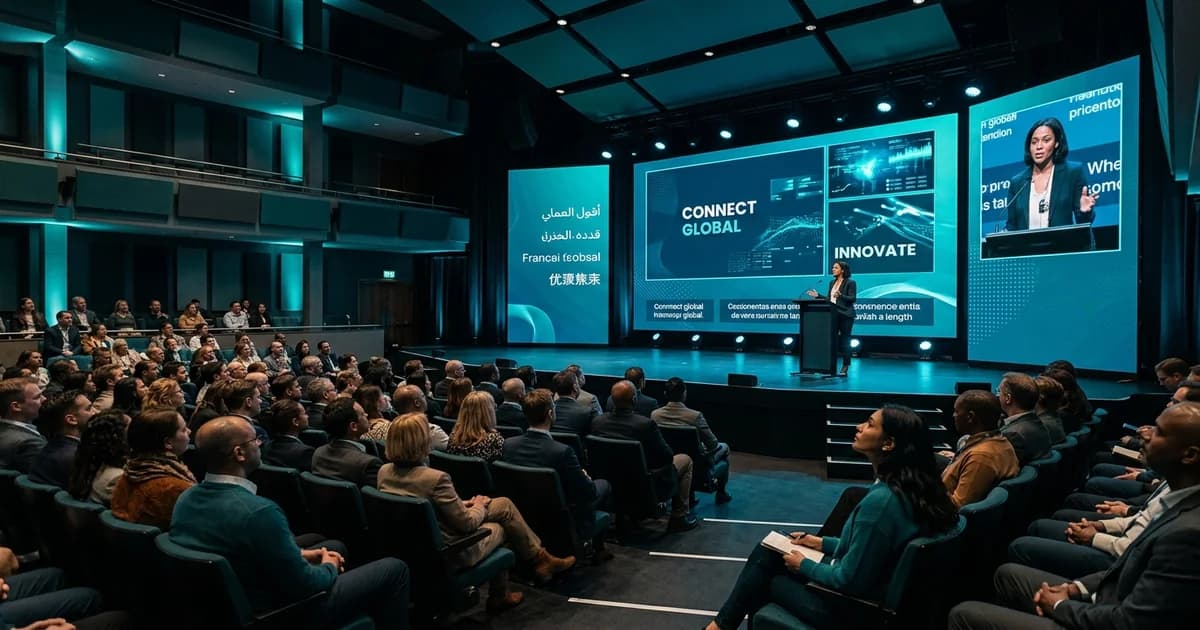
Live Subtitles for Events: The Complete Guide (2026)

Zoom Interpretation: How to Go Beyond Zoom's Basic Feature
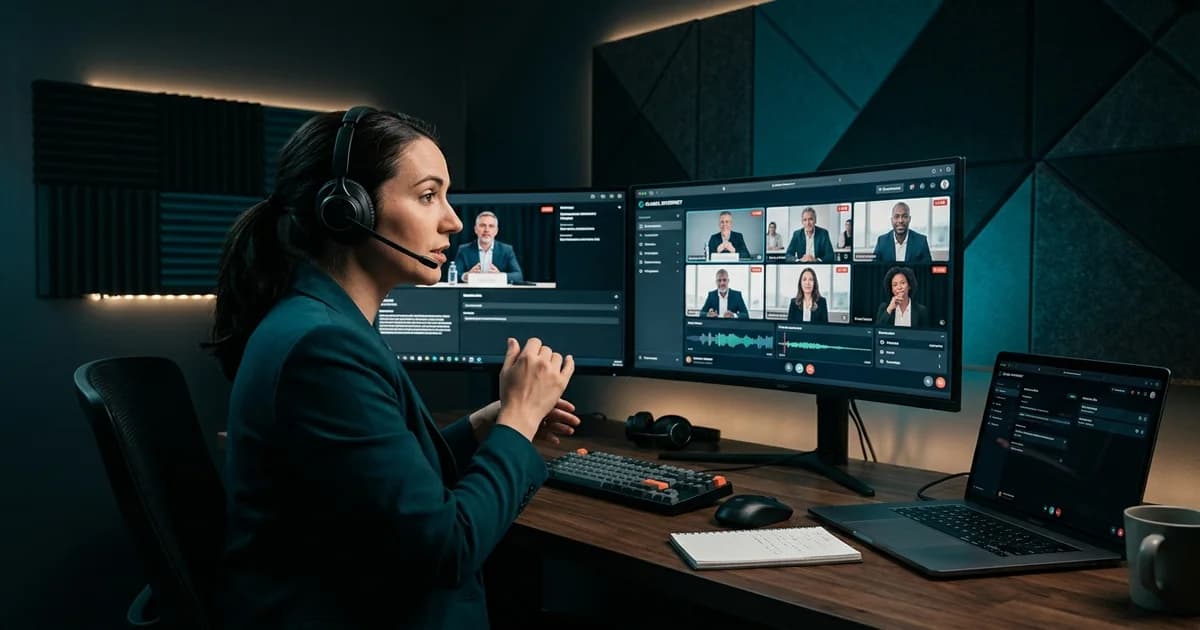
What Is Remote Simultaneous Interpretation (RSI)? The 2026 Guide

How to Calculate the ROI of Your Multilingual Event
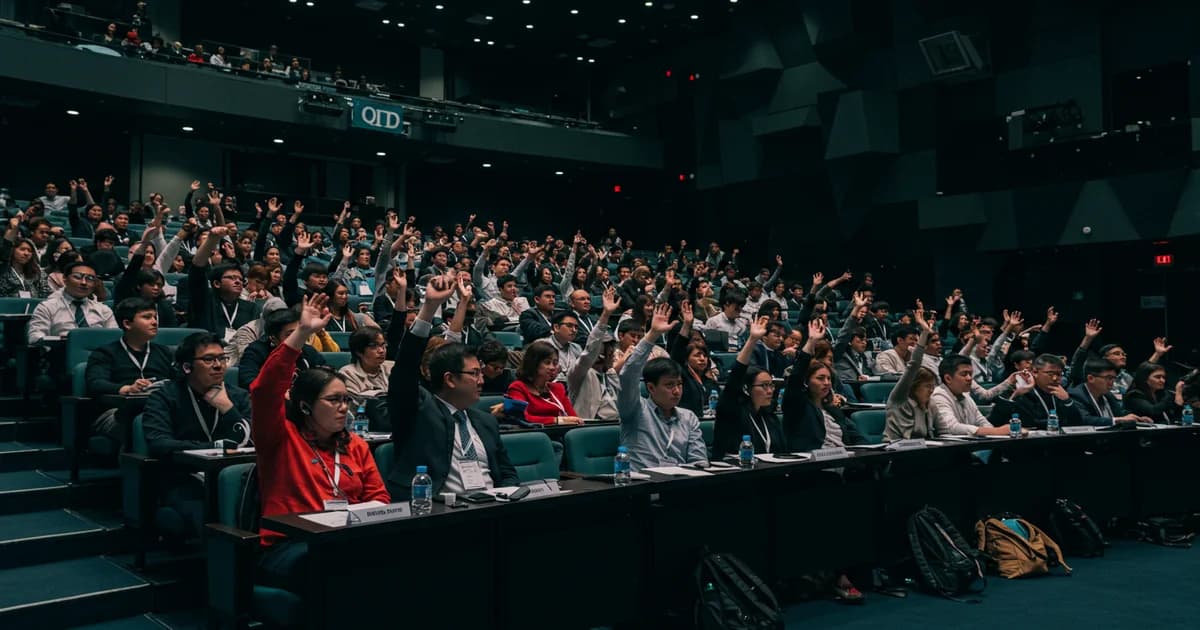
Engage Everyone: A Practical Guide to Managing Multilingual Q&A Sessions

How to Integrate Browser-Based Interpretation Into Your Event Tech Stack